AI & Automation

Automation packages: clear package choices

Automation pricing is based on workflow complexity, number of systems, and human approval needs.

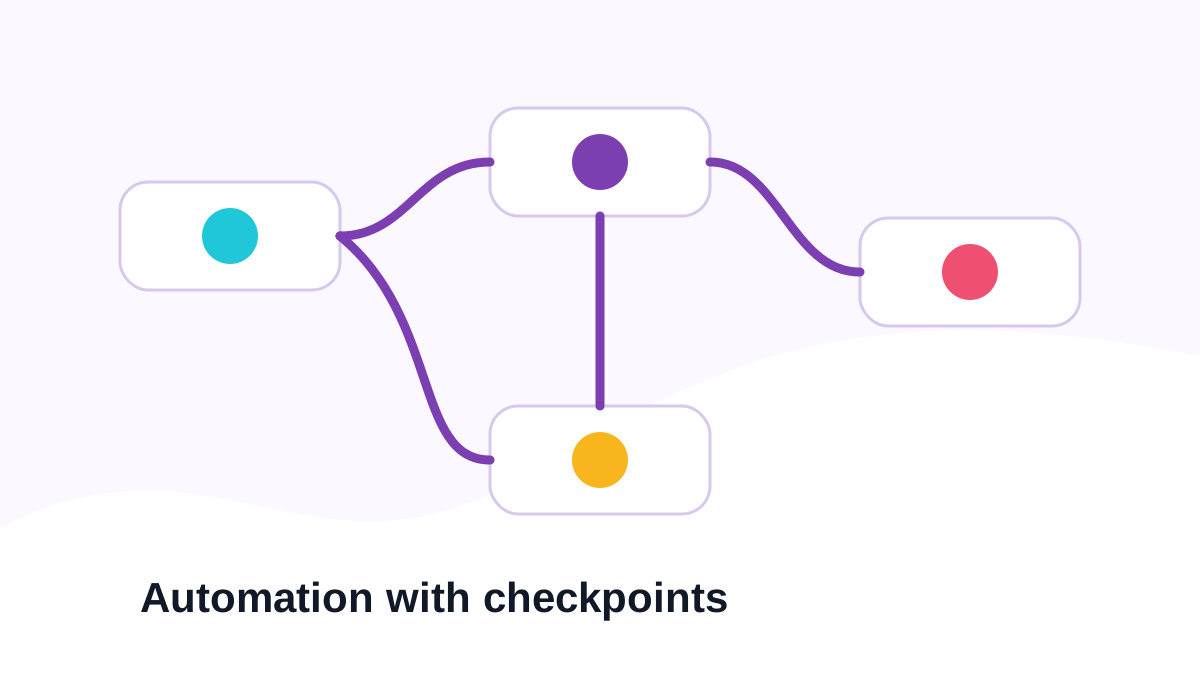
Illustration of automation flows connecting business systems.
Automation packages: Automation flows, handoffs, and practical business systems.
Best when clients need to compare simple workflow automation against deeper operations systems.
Map

Workflow Audit

For teams that need to map bottlenecks and identify high-value automation opportunities.

$850starting

Typical timeline: 3-5 days

Key inclusions

  • Workflow discovery and process map
  • Automation opportunity list
  • Tool stack review
Discuss Workflow AuditLearn moreBest before building the wrong automation.
Build

Starter Automation

For one practical workflow such as form routing, lead alerts, or task creation.

$2,400starting

Typical timeline: 1-2 weeks

Key inclusions

  • Workflow discovery and process map
  • Automation opportunity list
  • Tool stack review
  • One automation workflow
  • Form, email, or task trigger
  • Basic error handling
Discuss Starter AutomationLearn moreBest for one clear manual process.
Recommended

Ops Automation

For connected workflows across forms, CRM, email, sheets, dashboards, or support tools.

$5,800starting

Typical timeline: 3-5 weeks

Key inclusions

  • Workflow discovery and process map
  • Automation opportunity list
  • Tool stack review
  • Multiple connected workflows
  • CRM, sheet, email, or dashboard integration
  • Lead scoring or routing rules
Discuss Ops AutomationLearn moreBest default for useful business automation.
Premium

AI Ops System

For AI-assisted lead handling, approvals, summaries, routing, and operations dashboards.

$12,000+scoped

Typical timeline: 6-10 weeks

Key inclusions

  • Workflow discovery and process map
  • Automation opportunity list
  • Tool stack review
  • AI summaries or classifications
  • Human approval checkpoints
  • Operations dashboard
Discuss AI Ops SystemLearn moreBest for teams that need automation with control.

Detailed tier comparison

The cards above show the basics. This table shows the full tick and cross detail for every feature.

FeatureWorkflow AuditStarter AutomationOps AutomationAI Ops System
Included scope
Workflow discovery and process map
Automation opportunity list
Tool stack review
Risk and approval notes
Implementation roadmap
One automation workflow
Form, email, or task trigger
Basic error handling
Setup documentation
Multiple connected workflows
CRM, sheet, email, or dashboard integration
Lead scoring or routing rules
Admin visibility for handoff
Testing across real scenarios
AI summaries or classifications
Human approval checkpoints
Operations dashboard
Advanced logging and fallback paths
30-day improvement and tuning plan
Best fitFind automation wins.One workflow.Connected operations.AI-assisted operations system.
Typical scopeMap and roadmap.One automation.Several workflows.Integrated AI and dashboards.
SystemsReview only.1-2 tools.3-5 tools.Multi-system architecture.
AI depthNot included.Not included.Rules-based support.AI summaries and approvals.
SupportRoadmap notes.Setup handoff.Scenario testing.30-day tuning plan.

Useful add-ons

Optional scope when the base package needs more depth.

AI Lead Summary

Summaries for sales follow-up, priority, and source context.

CRM Sync

Contact, deal, owner, and status sync rules.

Dashboard View

Simple operations view for workflow status and performance.

Maintenance Retainer

Monthly automation checks, updates, and fixes.

Pricing FAQ

Common pricing questions

Click a question to expand the answer. The pricing cards stay focused, and the details stay available when needed.

Next step

Need help choosing the right package?

Send the project context and we will recommend the practical package shape before production begins.

Ask for pricing guidance
Chat with Algormy.com on WhatsApp
    AI Automation Pricing | Algormy.com